Tour 360°
Hostal Providencia, Santiago: see the hostel in 360° before you book
Planning a stay at Hostal Providencia in Santiago, Chile? Walk through the dorms, private rooms, patio, bar and kitchens in the 360° virtual tour, then book from inside it.
If you are planning a stay at Hostal Providencia, in Santiago, Chile, you can walk through the whole hostel before you book. The 360° virtual tour covers 81 views across five floors: the patio, the bar, the kitchens, the lounges and every type of room, from the 8-bed dorm to the family rooms. You can open it in English, check the room you want and start your booking without leaving it.
This guide shows what you will find in the tour and how to use it.
Where Hostal Providencia is
Hostal Providencia is in the Providencia district of Santiago, a few minutes’ walk from Baquedano metro station and close to Barrio Bellavista, Barrio Lastarria and Plaza Italia. The building is an old corner house with several wings joined by patios, corridors and staircases.
The hostel has a 24-hour reception, and the staff speak Spanish, English and Portuguese. Check-in starts at 2 p.m. and check-out is until 11:30 a.m. Details like these can change, so confirm them with the hostel when you book.
How to use the virtual tour
The tour opens in your browser’s language, with English, Spanish and Portuguese available. To be sure it opens in English, use this link. You can switch languages at any time with the ES, EN and PT buttons at the top, without reloading.
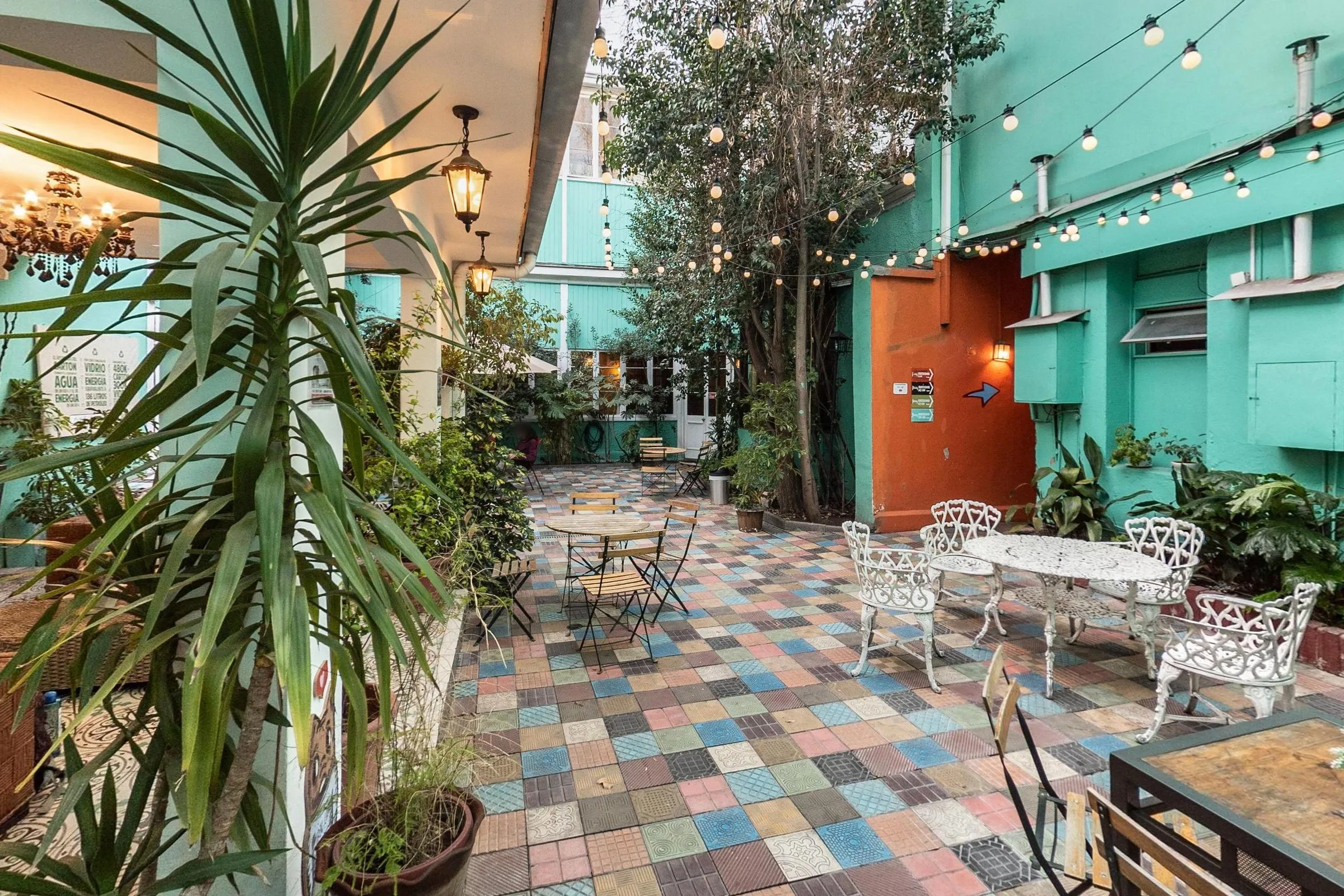
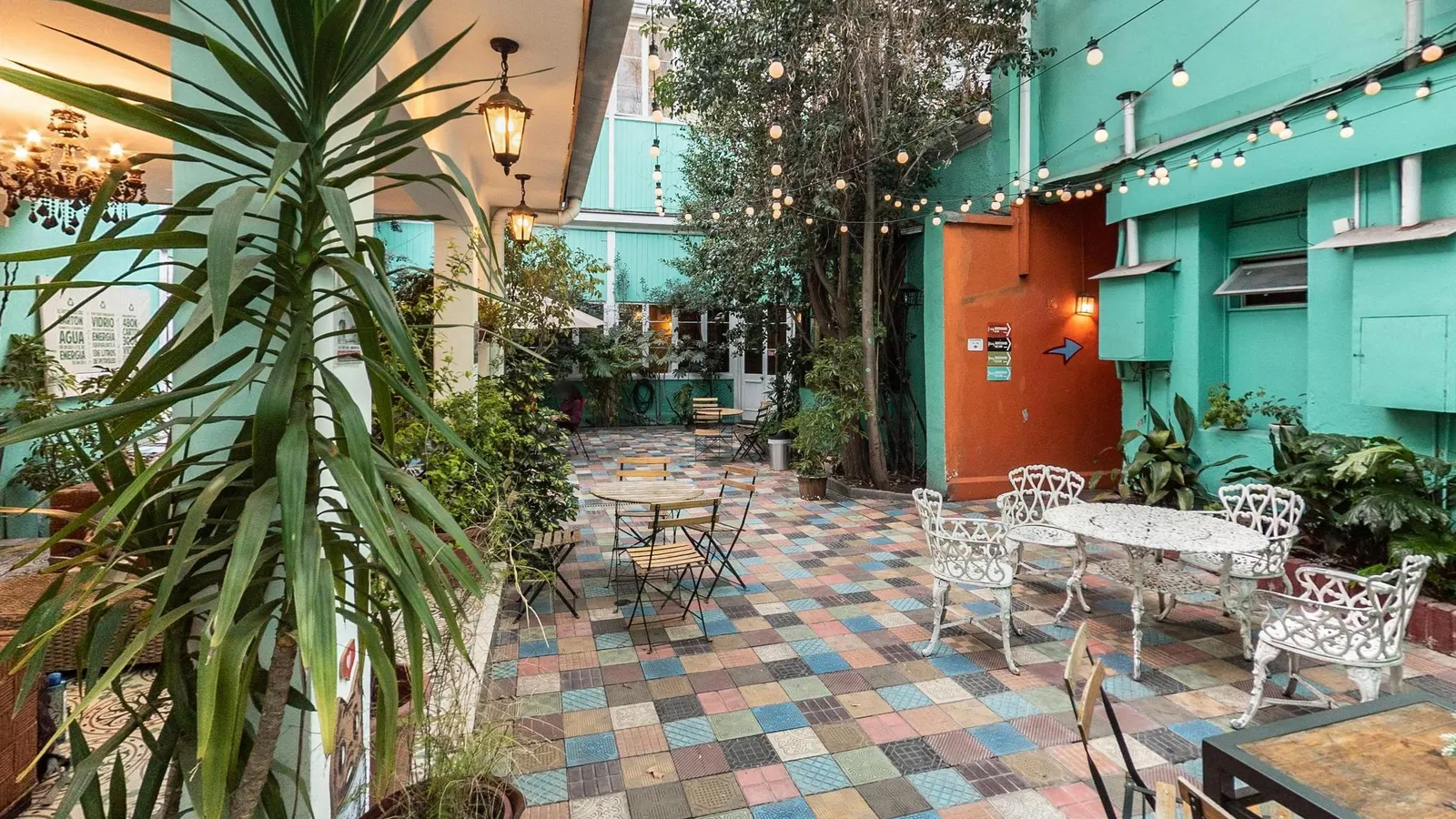
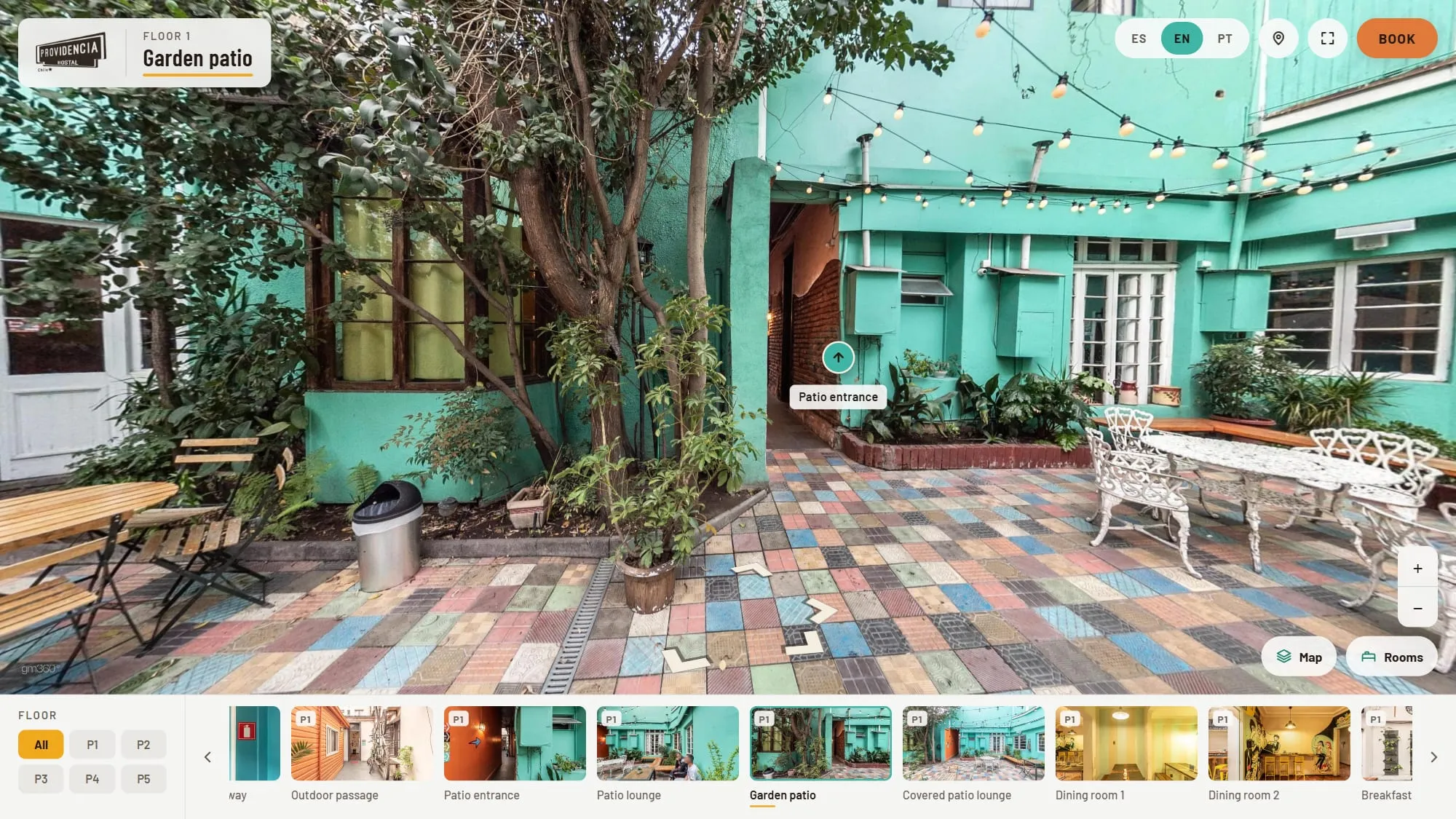
The first view is the garden patio, the heart of the hostel: colorful floor tiles, string lights, plants and tables where guests meet. From there:
- Look around by dragging the image with your mouse or swiping with your finger.
- Move between spaces with the arrows on the floor or the round markers with the name of the next space.
- Open the amber info points for practical tips in each space, such as luggage storage, breakfast, the bar’s opening hours and the laundry.
- Use the gallery at the bottom to jump to any of the 81 views, filtered by floor.
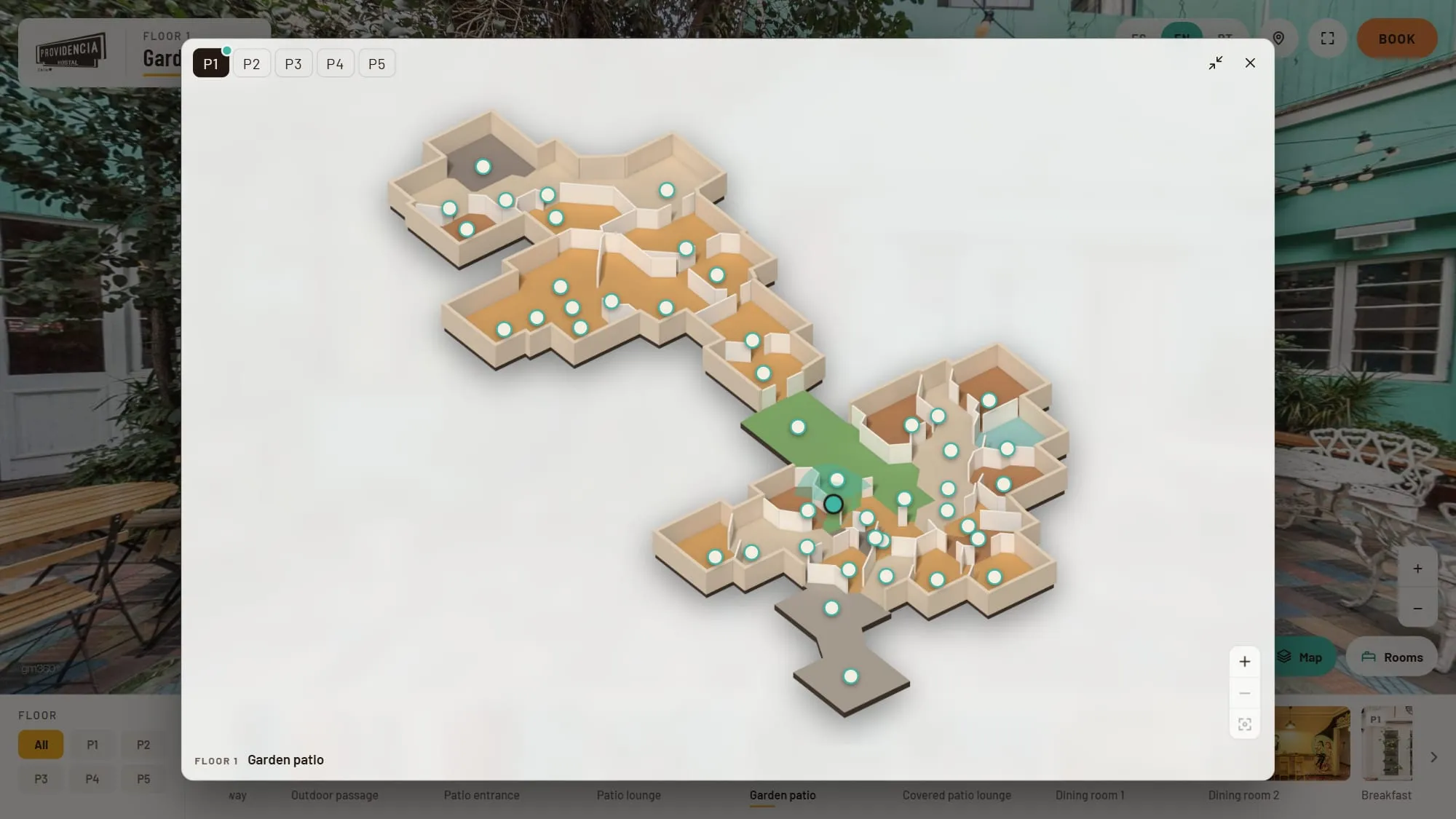
The hostel spreads over several wings and staircases, so the Map button helps. It opens a floor plan of each floor, with tabs from P1 to P5, a dot for every 360° view, your current position and the direction you are looking.
See your room before you book
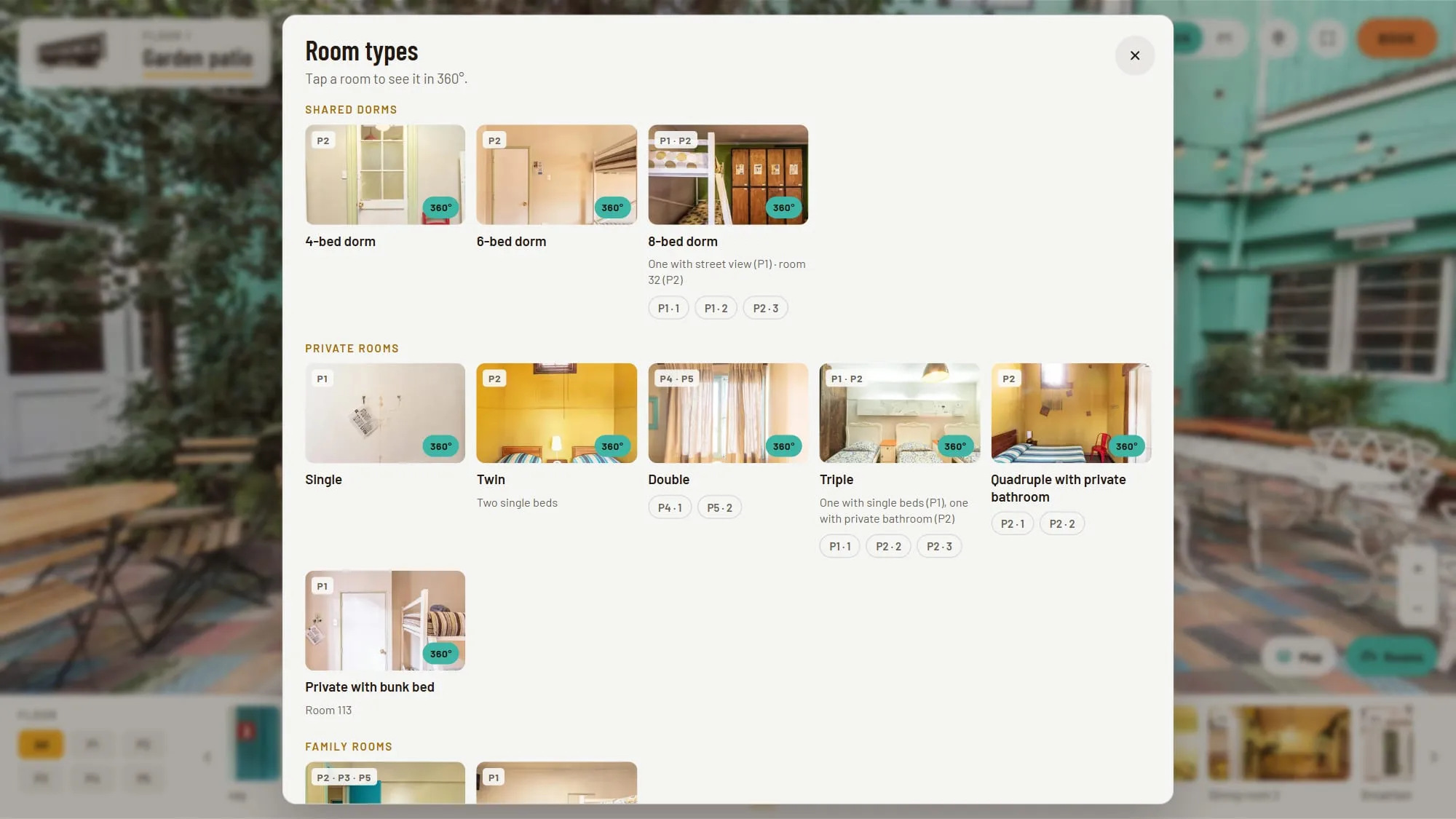
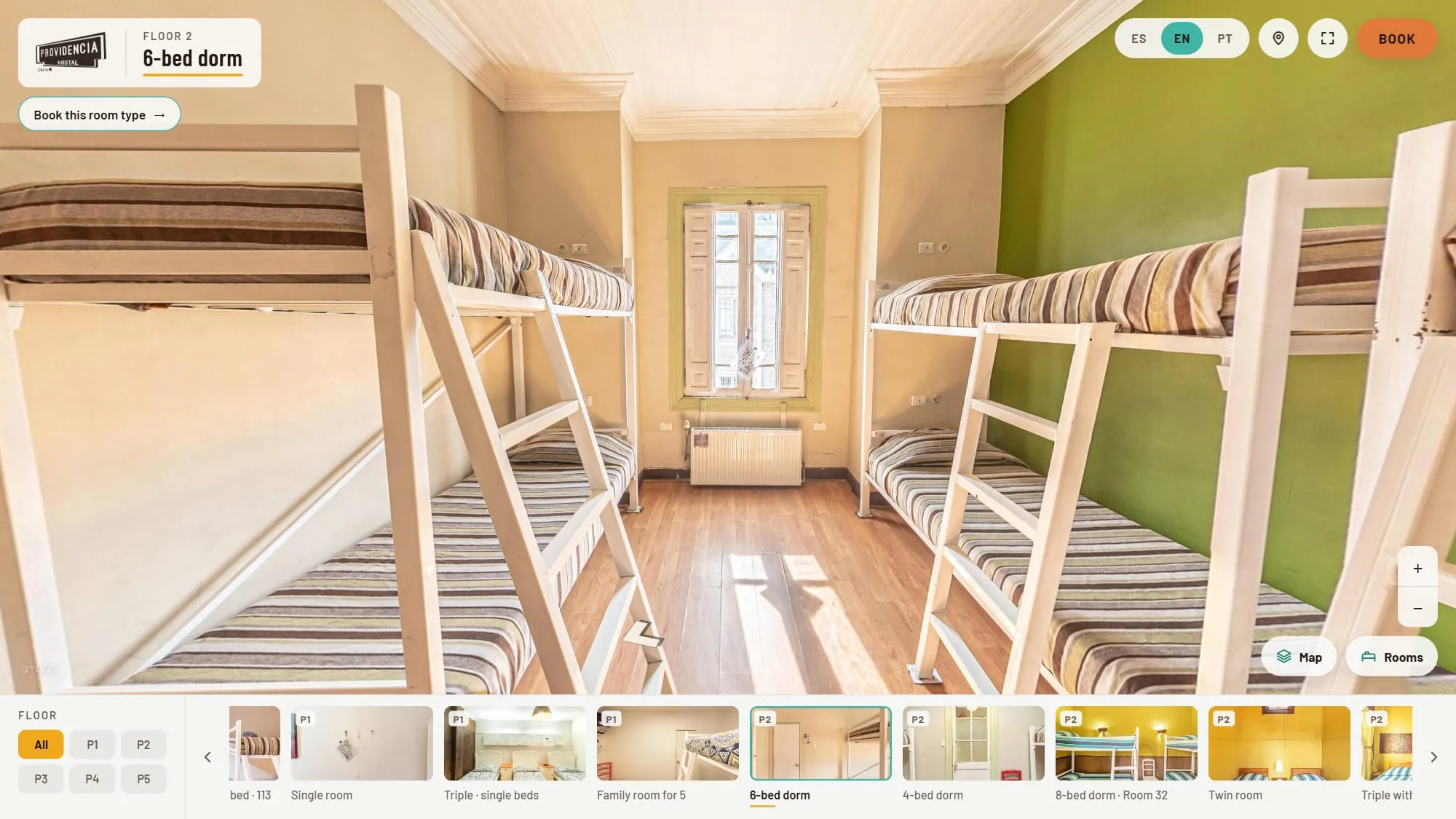
The Rooms button opens every room type in three groups. Each card shows the floors where that type is and opens straight into its 360° view.
You can also open each room type directly:
- Shared dorms, in bunk beds, with lockers (bring your own padlock) and bed linen included: 4-bed dorm, 6-bed dorm and 8-bed dorm.
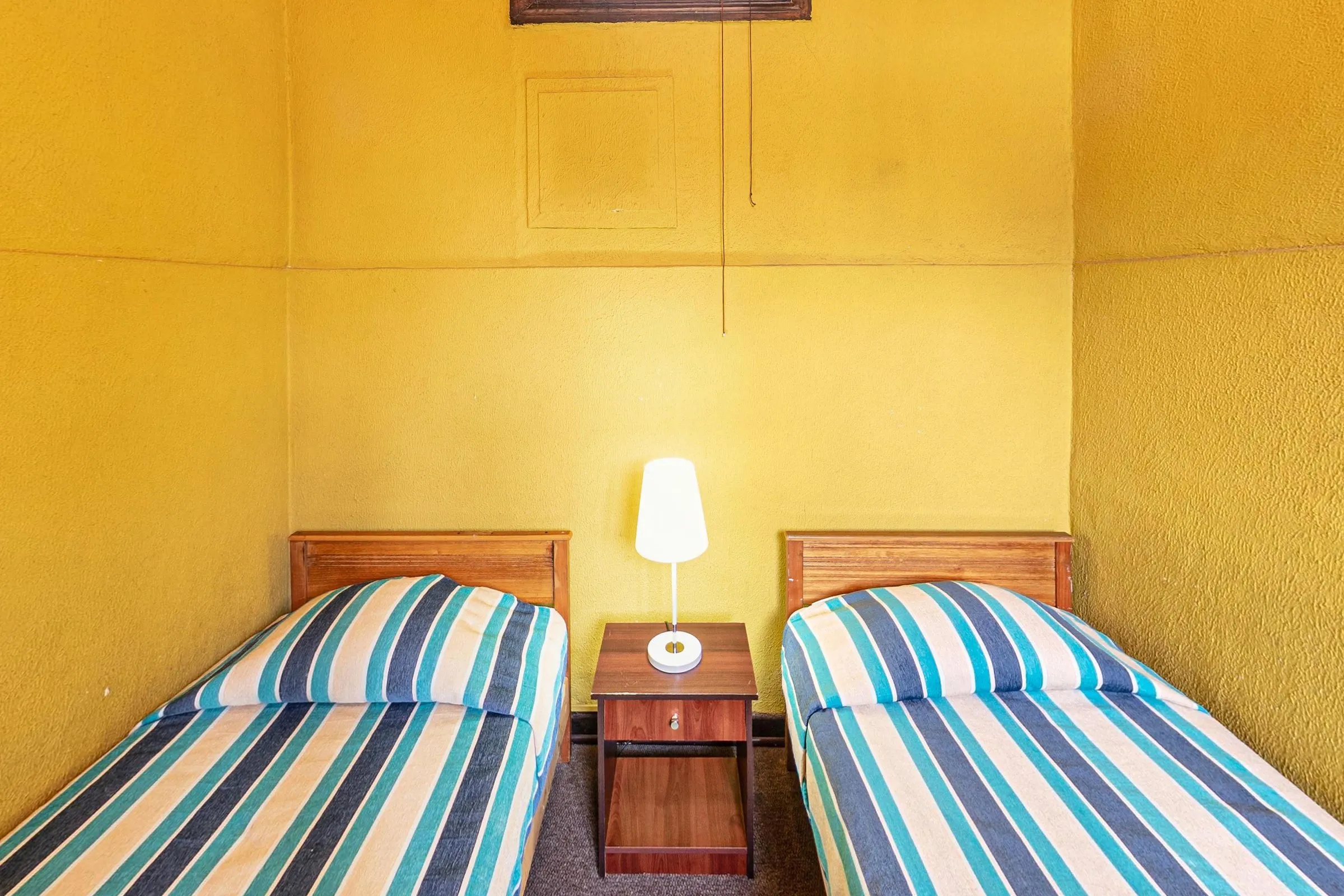
- Private rooms: single, twin, double, triple, quadruple with private bathroom and a private room with a bunk bed.
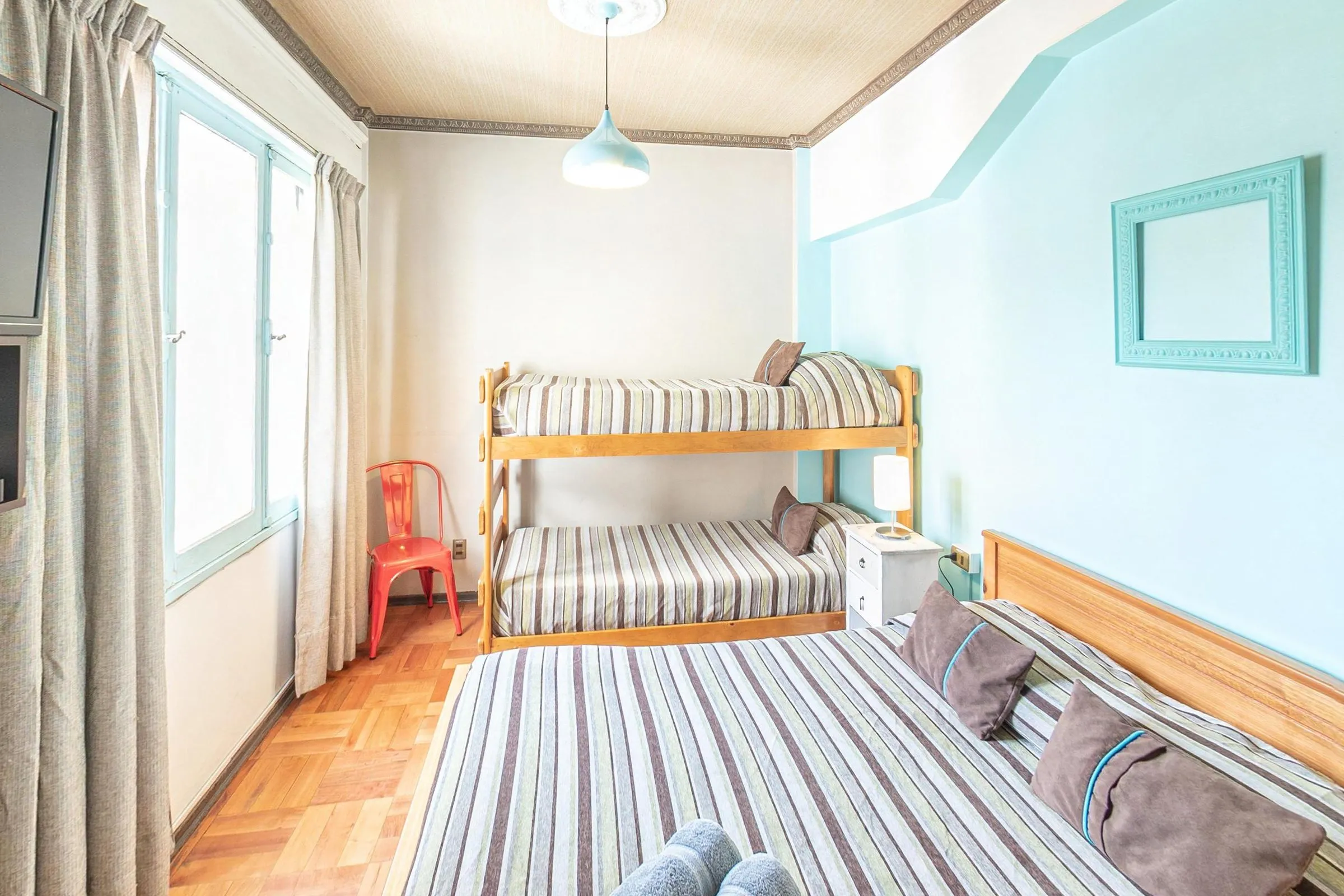
- Family rooms: a double bed plus a bunk bed, and a family room for 5.
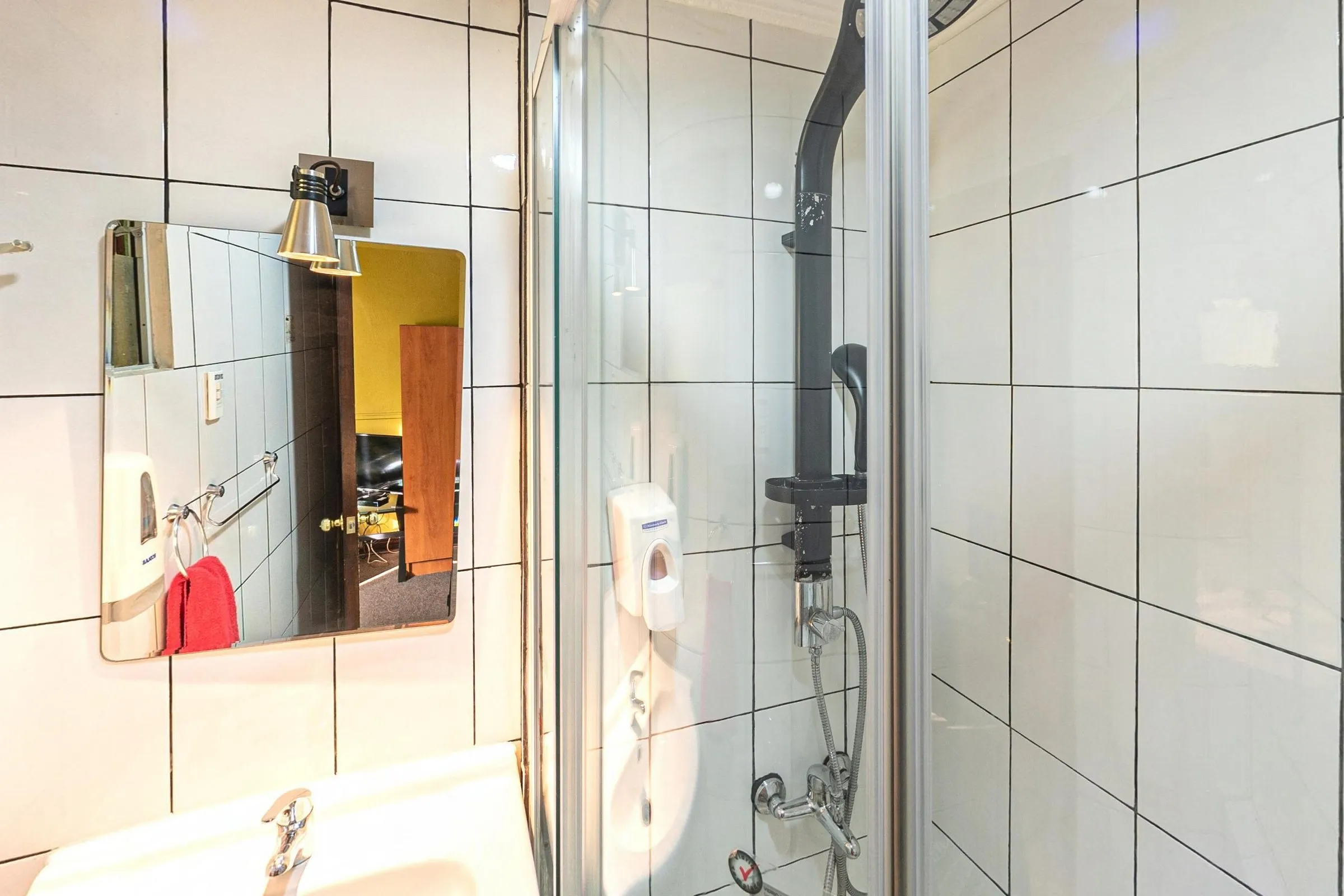
Look at the details that matter to you: how many beds, whether there is a window, where the wardrobe is and whether the bathroom is inside the room or down the corridor. Some room types come with a private bathroom, and the tour shows it, too.
Book from inside the tour
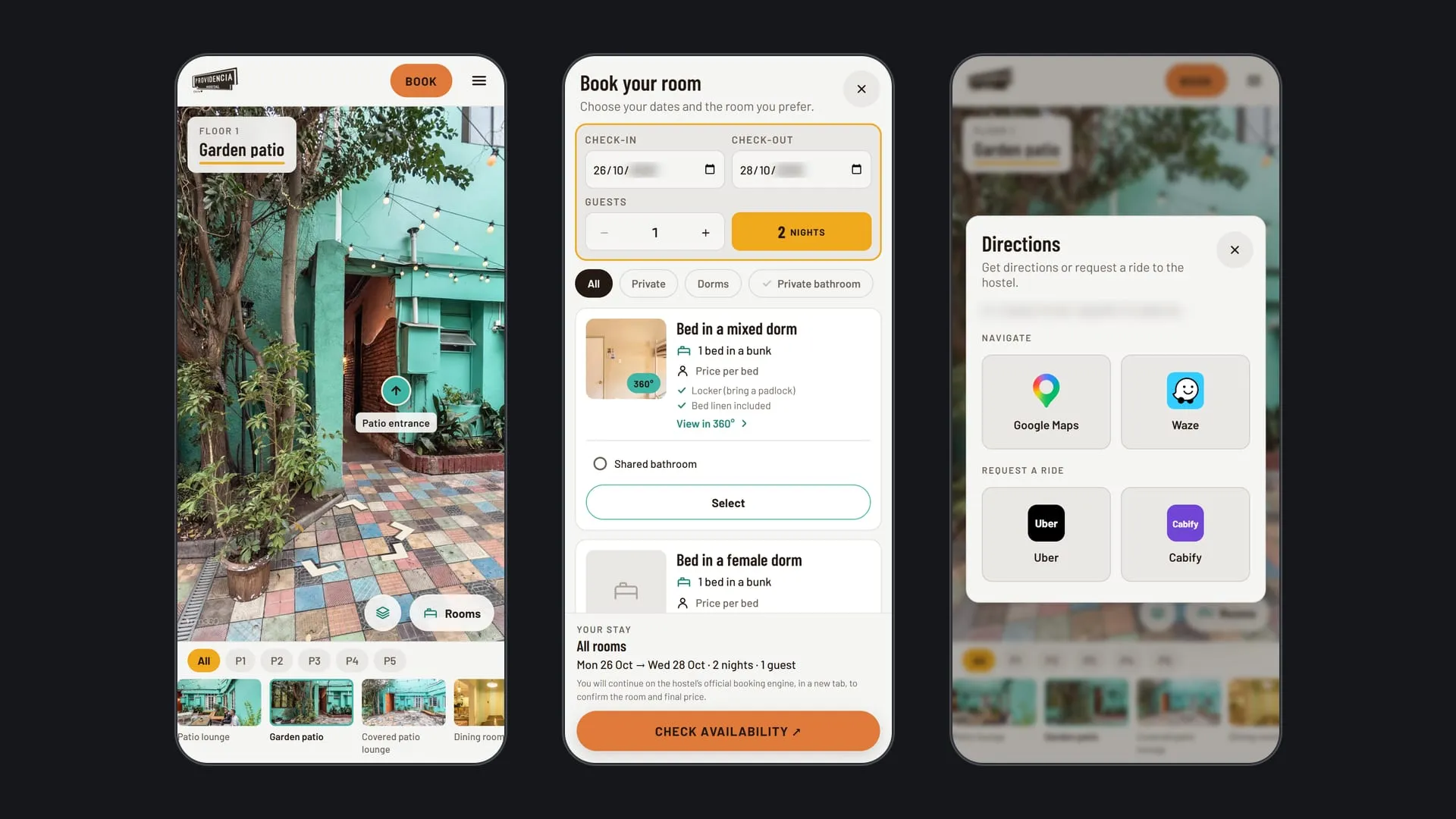
The Book button is always at the top of the screen. It opens a “Book your room” panel that works like the big booking sites:
- Pick your dates and guests. Check-in, check-out and the number of guests, with the number of nights counted for you.
- Filter the rooms. Private rooms, dorms, or only rooms with a private bathroom.
- Choose a room type. Each one shows its beds, capacity and what is included, with a link to its 360° view. Bathroom options appear as choices, like rates on a booking site.
- Check availability. The button opens the hostel’s official booking page in a new tab, with your arrival date, nights, guests and language already filled in.
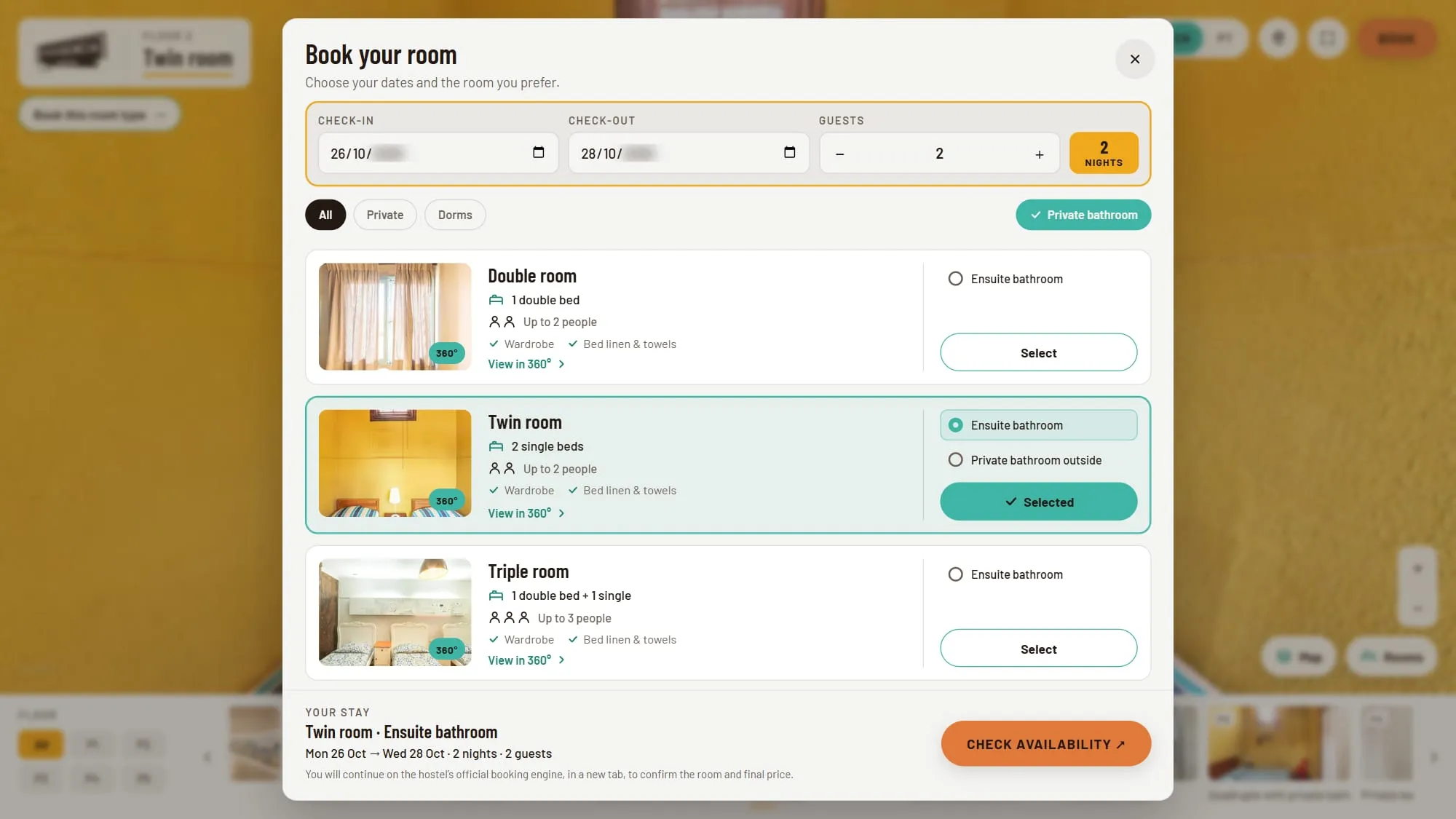
You confirm the room and see the final price on the hostel’s booking page. The tour does not show prices, because rates change with the season.
It also works the other way round: in any room’s 360° view, the Book this room type button opens the booking panel with that room already selected.
The common areas
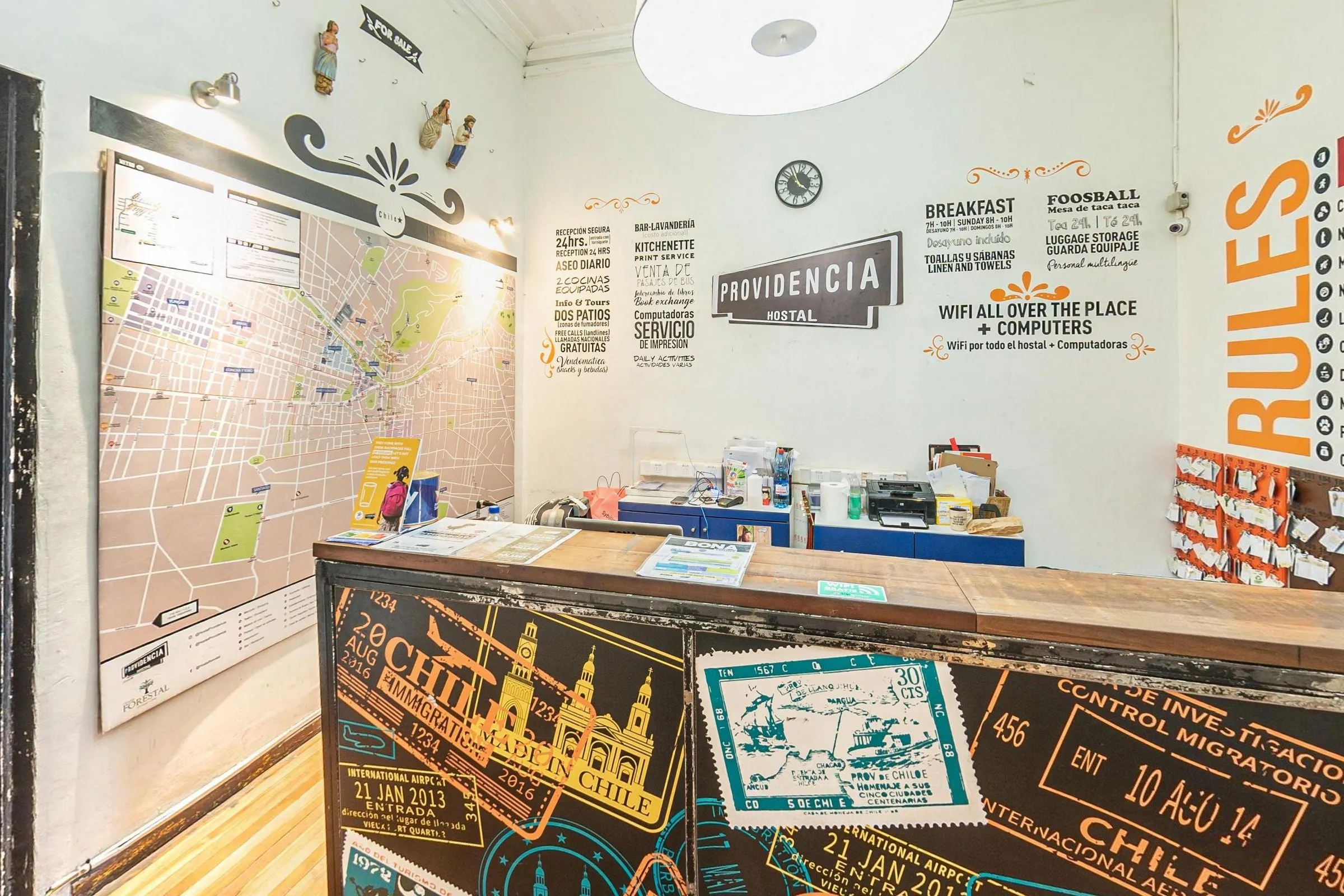
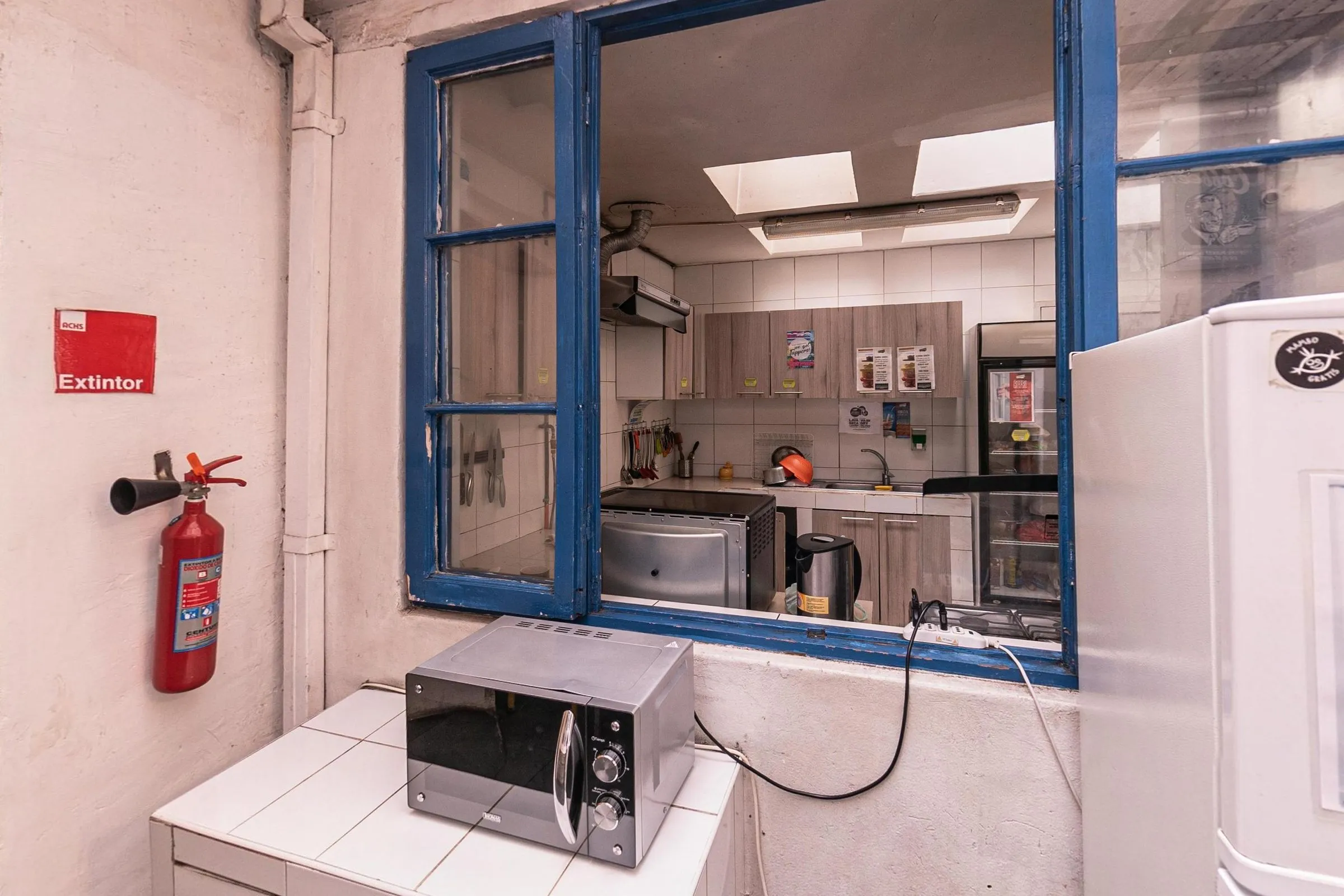
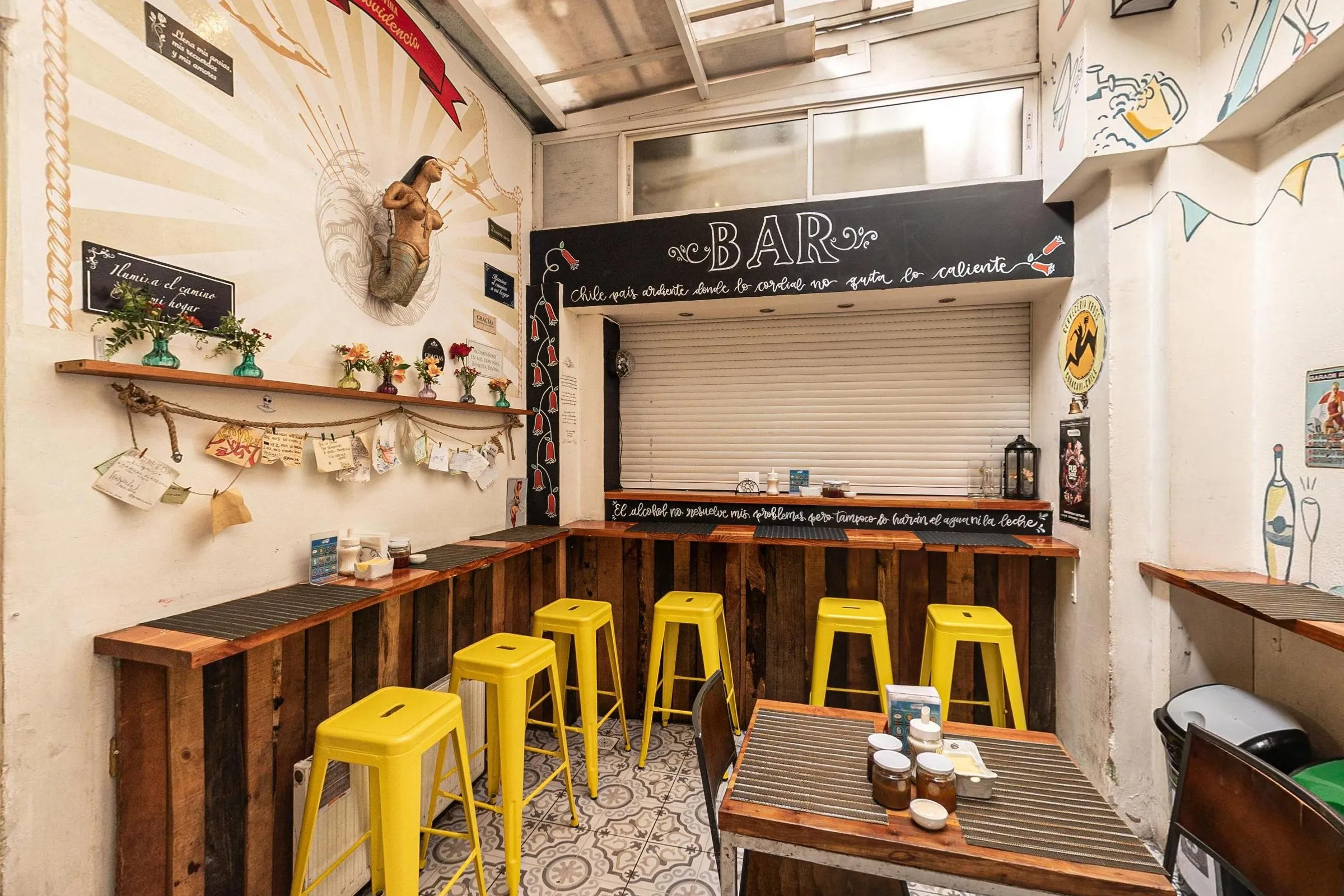
A hostel stay happens outside the room, too. In the tour you can walk through the reception, the breakfast room, the bar, the shared kitchen (there are two), the games room, the lounges, the computer room and the laundry.
Getting there
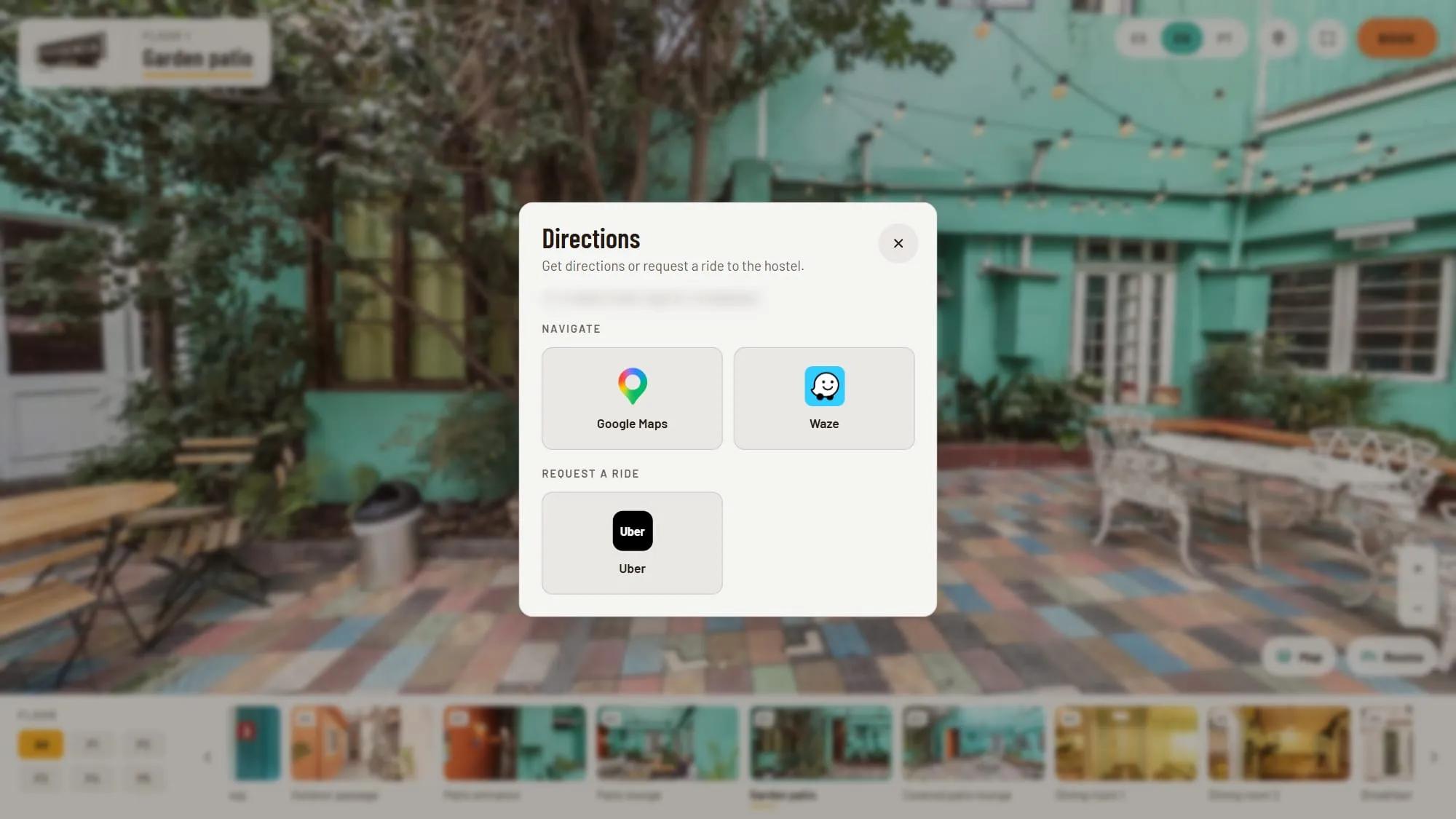
The pin button in the tour opens Directions. Google Maps and Waze plan your route to the door, and Uber opens with the hostel already set as your destination. On a phone, there is also a Cabify button: it copies the address and opens the app, so you only have to paste it as your destination.
At the street corner, an info point shows the nearest metro station and Plaza Italia. At the reception, another one suggests what to see nearby: Bellavista, Lastarria and Cerro San Cristóbal.
On your phone
The tour runs in the phone’s browser, with no app to install. The Book button stays in the header, and the menu brings together the languages and Directions, including Cabify.
Share a room with your group
The tour’s address follows you as you move. Copy the link while you are in a room, and whoever opens it lands in that same room, in the same language. It is an easy way to show your travel companions the room you have in mind before you book.
About this tour
The Hostal Providencia virtual tour was photographed and produced by gm360, a Brazilian studio that creates 360° virtual tours and publishes 360° photos on Google Maps. The same photos are also on the hostel’s Google Maps profile. For reservations and questions about your stay, use the Book button in the tour or contact the hostel directly.
FAQ
Frequently asked questions
Is this the official Hostal Providencia website?
No. This page is about the 360° virtual tour of Hostal Providencia, produced by gm360, a Brazilian 360° photography studio. When you book from inside the tour, it opens the hostel's own booking page, the same one used on the hostel's website.
Can I book a room from the virtual tour?
Yes. The Book button in the tour lets you pick your dates, number of guests and room type. Check availability then opens the hostel's official booking page with your dates, nights, guests and language already filled in. You confirm the room and the final price there.
Does the tour show prices?
No. Rates change with the season, so the tour helps you choose a room and the booking page shows the current price for your dates.
Can I see my room type before booking?
For most room types, yes. The Rooms panel groups them into shared dorms, private rooms and family rooms, and each one opens straight into its 360° view. Seven of the nine room types sold online have a 360° view.
Does the tour work on my phone?
Yes, in the browser, with no app. On a phone, the Book button stays at the top of the screen, and Directions adds Cabify next to Google Maps, Waze and Uber.